
Run the school play's sound from a phone.
Put every sound effect and piece of music in order, with a note on when it goes. Freeze the version you rehearsed, and let a student press GO on the night. Cuefaro runs on iPhone, iPad and Android and needs no connection.
Free to start: your whole first show, with every feature.
What you need on the night.
- A phone or tablet with the show on it, charged, and a charger within reach.
- A cable from the device to the sound desk or to a powered speaker. Bluetooth speakers add a short delay, which you hear on a door slam or a bell.
- Do Not Disturb or airplane mode, so no message or call sounds through the speakers.
- A second device with the same show, if you want a backup.
From the script to a cue list.
- Mark the script. Number every sound in the script and write down the line or the action it goes on.
- Collect the files. WAV, M4A or MP3. Use sounds you may use: your own recordings, or public-domain and CC0 sounds. For a ticketed show, check the licence of any music.
- Build the running order. One cue per sound, with the script line as its note. Trim each file on its waveform, add fades and set the level.
- Put loose sounds on hits. A doorbell or a phone that rings when the actor is ready goes on its own button, outside the running order.
Let a student run it.
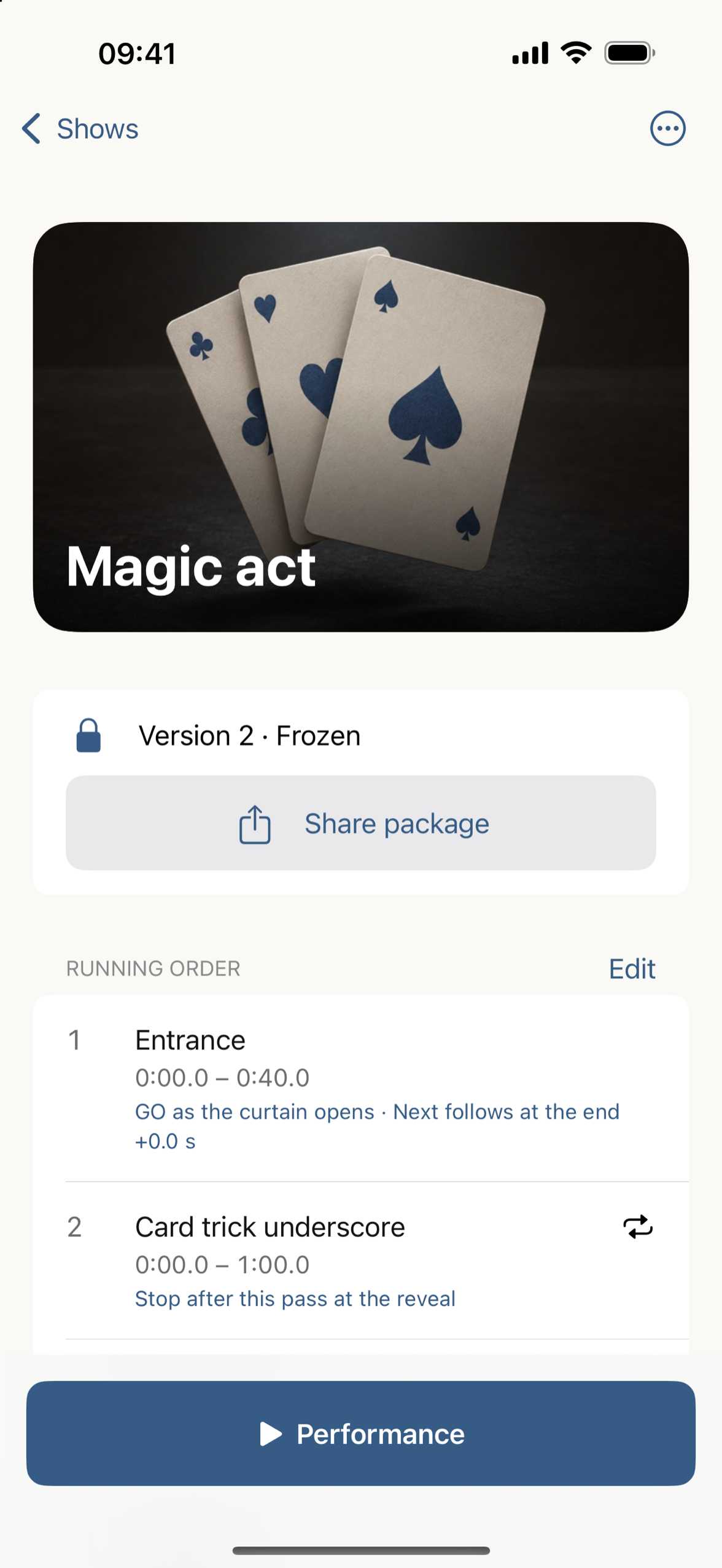
The performance screen is dark and shows the cue on standby with its note, so the student knows what comes next and when. GO starts exactly that cue, and the next one moves to standby. Tapping a cue in the list only puts it on standby; it never plays by accident.
When a scene goes wrong, fade all out ends every sound gently and STOP silences at once. Rehearse from any cue in the list, so the tech rehearsal does not have to start at the top.
Freeze it, check it, copy it.
When the dress rehearsal sounds right, freeze that version. Before the doors open, the check before playing names any file that is missing or changed and plays a test tone through the current output. Send the show package to a second phone or tablet, iPhone or Android, and you have a backup that plays exactly the same show.
Questions from teachers.
Can a student run the sound without training?
Usually yes. The student presses GO for the cue on standby and reads its note. Practise it once in the tech rehearsal.
Does it need wifi in the hall?
No. The audio is copied onto the device, so the show plays offline.
Which sound files can I use?
WAV, M4A and MP3 files from your device's files or downloads. Cuefaro keeps its own copy of each file.
What does it cost?
Your first show is free, with every feature. A one-time purchase of €39.99 unlocks more shows. There is no subscription and no account.